Installation
Installation
Section titled “Installation”[HOME]
Manual installation
Section titled “Manual installation”The installation is simple, as the only thing you will need is a binary executable for your operating system. Get the one for your O.S. from dbdeployer releases and place it in a directory in your $PATH. (There are no binaries for Windows. See the features list for more info.)
For example:
$ VERSION=1.66.0$ OS=linux$ origin=https://github.com/ProxySQL/dbdeployer/releases/download/v$VERSION$ wget $origin/dbdeployer-$VERSION.$OS.tar.gz$ tar -xzf dbdeployer-$VERSION.$OS.tar.gz$ chmod +x dbdeployer-$VERSION.$OS$ sudo mv dbdeployer-$VERSION.$OS /usr/local/bin/dbdeployerInstallation via script
Section titled “Installation via script”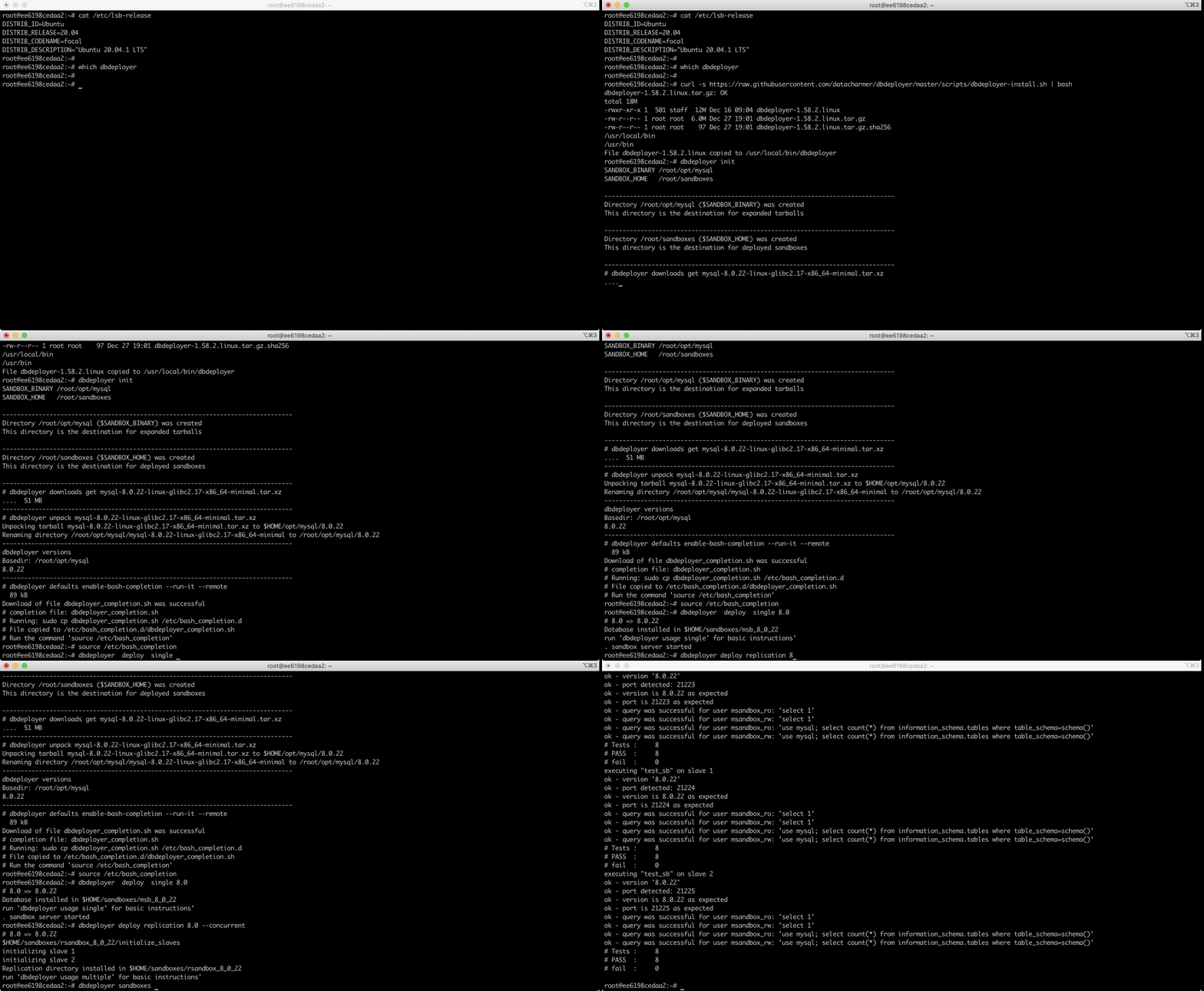
You can download the installation script, and run it in your computer.
The script will find the latest version, download the corresponding binaries, check the SHA256 checksum, and - if given privileges - copy the executable to a directory within $PATH.
$ curl -s https://raw.githubusercontent.com/ProxySQL/dbdeployer/master/scripts/dbdeployer-install.sh | bashA shortcut is available via the bit.ly service:
$ curl -L -s https://bit.ly/dbdeployer | bashFinally, there is a third-party service that installs any Go tool. The command to use it for dbdeployer is
$ curl -sf https://gobinaries.com/ProxySQL/dbdeployer | shPlease see gobinaries.com for more info.